What is Self-Hosting?
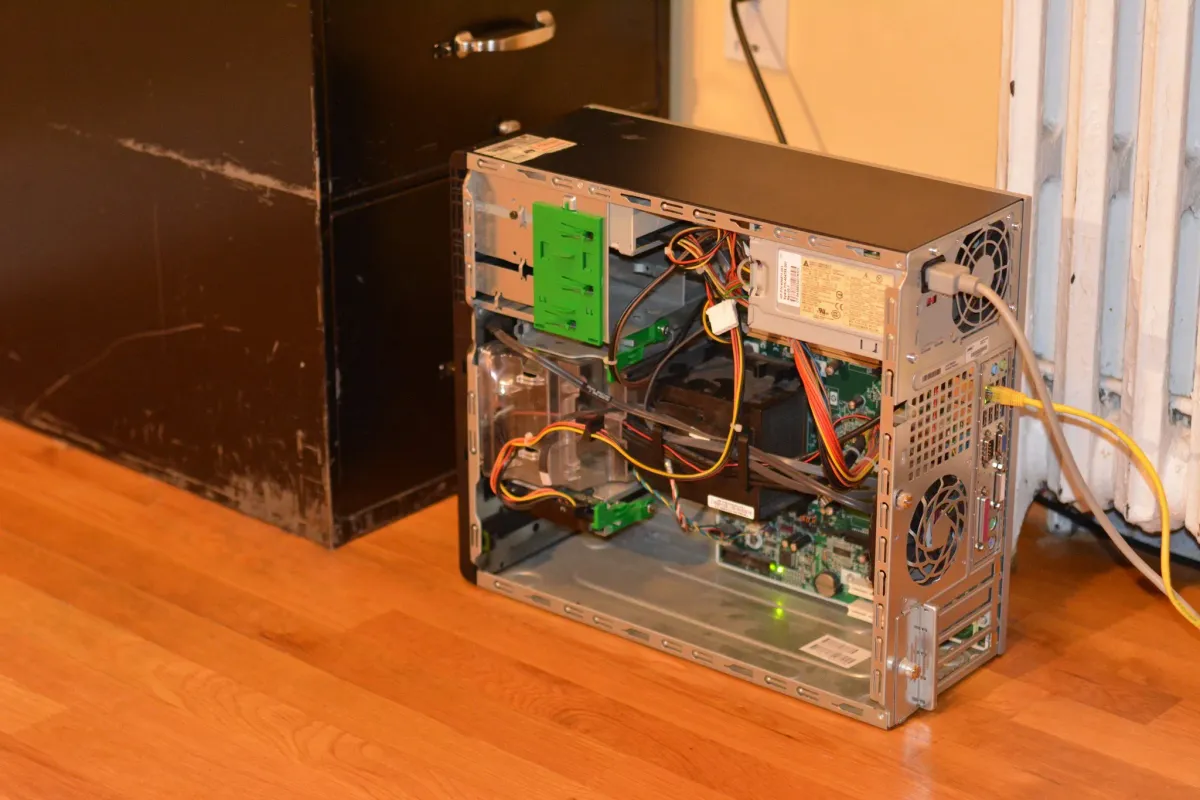
Self-hosting is the practice of installing software on a computer you own or lease and then owning all your own data! With so many of the services that we use be it Google, Apple, Meta, or what have you, you don't actually own the data you post on those platforms. They own the data and scan it for marketing or algorithmic reasons. Algorithmic scanning can be helpful and convenient because it can help retrieving information that you may need. What makes it scary is that all of the algorithms are private and they don't tell you how the information is being used outside of the algorithm.
Enter self-hosting! In order to self-host software all you need is a computer to install it on. So you can use an old computer. You will need to make a few decisions before starting this process. One important question you need to ask yourself is do you want to access this software from outside your home network? Below is a list of some different programs you can run:
- Audiobook server (AudioBookShelf)
- New browser page (Heimdall)
- Home smart device controller (Home Assistant)
- Photos server (Immich)
- Media server (Jellyfin)
- Vehicle maintenance records (LubeLogger)
- Project management (OpenProject)
- GPS tracking (OwntracksRecorder)
- Search engine (SearXNG)
- Cloud storage (OwnCloud or NextCloud)
- Blog (Ghost or WordPress)
- Password manager (VaultWarden or Bitwarden)
These are just some of the software programs that I host on my computers at home. This blog is hosted on Ghost on one of my servers in my home. I would recommend picking one or two of these and trying them. You can find a great pretty extensive list on Awesome Selfhosted.net or their GitHub list.
Don't get too overwhelmed with the options. Pick one or two of the programs above and just play around. Another great resource is the Awesome Open Source YouTube channel. Brian offers great tutorials and explanations of how the software works and how to install and run it on your computer.